Generate DigitalOcean Personal Access Token
Generate a DigitalOcean Personal Access Token
A DigitalOcean Personal Access Token is required for Stream Manager 2.0 autoscaling operations.
It allows Stream Manager to create Droplets, assign firewalls, attach VPC networks, and manage scaling events.
Steps to Generate the Token
-
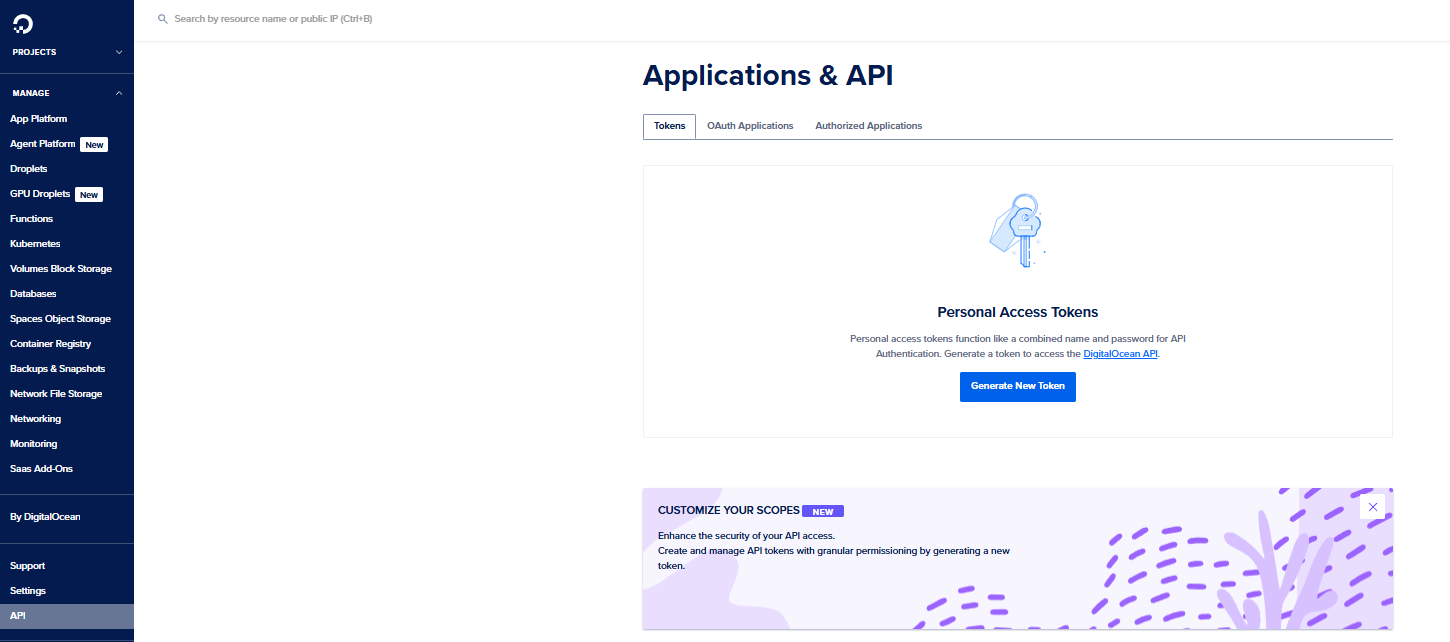
On the left side of the DigitalOcean console, From the list, click on API.
-
Under the Tokens/Keys tab, click Generate New Token.
-
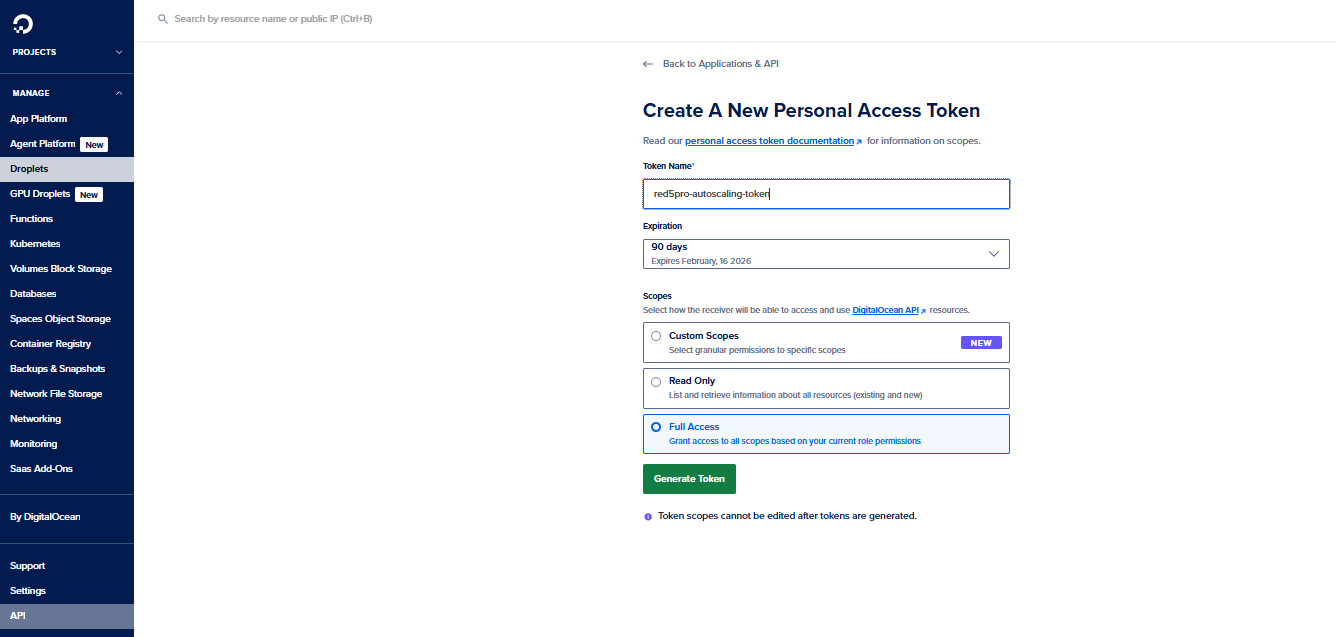
Fill in the details:
- Token Name: Example →
red5pro-autoscaling-token - Permissions: Select Read & Write
- Expiration: Choose an appropriate expiry or set No Expiration for production environments

- Token Name: Example →
-
Click Generate Token.
-
Copy and securely store the generated token.
This value will be used in Stream Manager’s.envfile as:DIGITAL_OCEAN_API_TOKEN=<YOUR_DIGITALOCEAN_TOKEN>