TrueTime Studio™
Create, mix, and broadcast interactive live shows with real-time audience engagement tools built for modern creators.
About
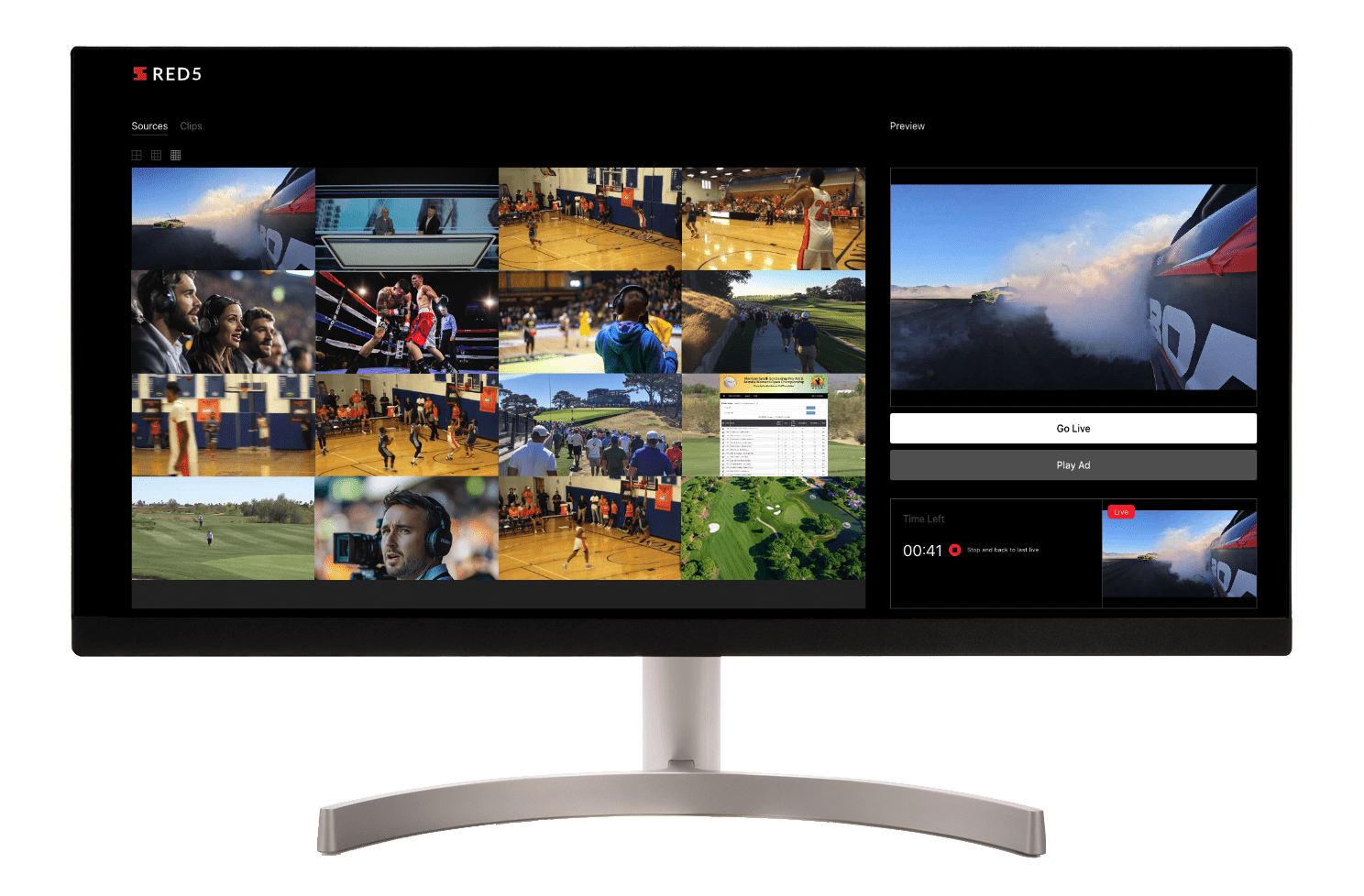
TrueTime Studio™ enables real-time production, mixing, and management of multiple live video streams within a single interface. Built on Red5 real-time streaming infrastructure, it allows you to combine feeds, switch between sources, and produce a single broadcast output without relying on complex hardware setups.
Whether used for creators, live production workflows, webinars, or other use cases, Red5 TrueTime Studio™ provides a flexible environment to manage multi-stream live events, remote teams, and productions with ease. It allows you to build fully interactive streaming applications where multiple video sources, overlays, clips, and ads are combined into a single live output stream.
The platform integrates seamlessly with other TrueTime Solutions™, allowing you to combine video, data, and interactivity into a unified real-time experience.
Features
Multi-stream mixing and production
Combine multiple live video feeds into a single broadcast output.
Switch between camera angles, guest speakers, and content sources in real time.
Manage complex productions through a single web-based interface.
Live editing and stream control
Select and switch between concurrent live streams.
Insert pre-recorded clips and transitions during live broadcasts.
Maintain full control over what is delivered to viewers at any moment.
Server-side ad and clip insertion
Insert ads and pre-recorded content directly into live streams.
Automatically return to the main live feed after playback.
Enable monetization and content control without interrupting the experience.
Integration and extensibility
Works seamlessly with TrueTime MultiView™, TrueTime WatchParty™, and TrueTime DataSync™.
Extend and customize workflows based on your production needs.
Customization and branding
White-label support to customize the experience with your own branding (logo, colors, UI elements).
UI and layout configuration to match your product or workflow.
Deployment flexibility
Deploy with Red5 Pro in your own infrastructure for full control and security.
Cross-platform support across desktop and mobile devices.
Use cases
If you dream it, you can build it. Create interactive experiences with TrueTime Solutions™ that transform how content is produced and delivered.
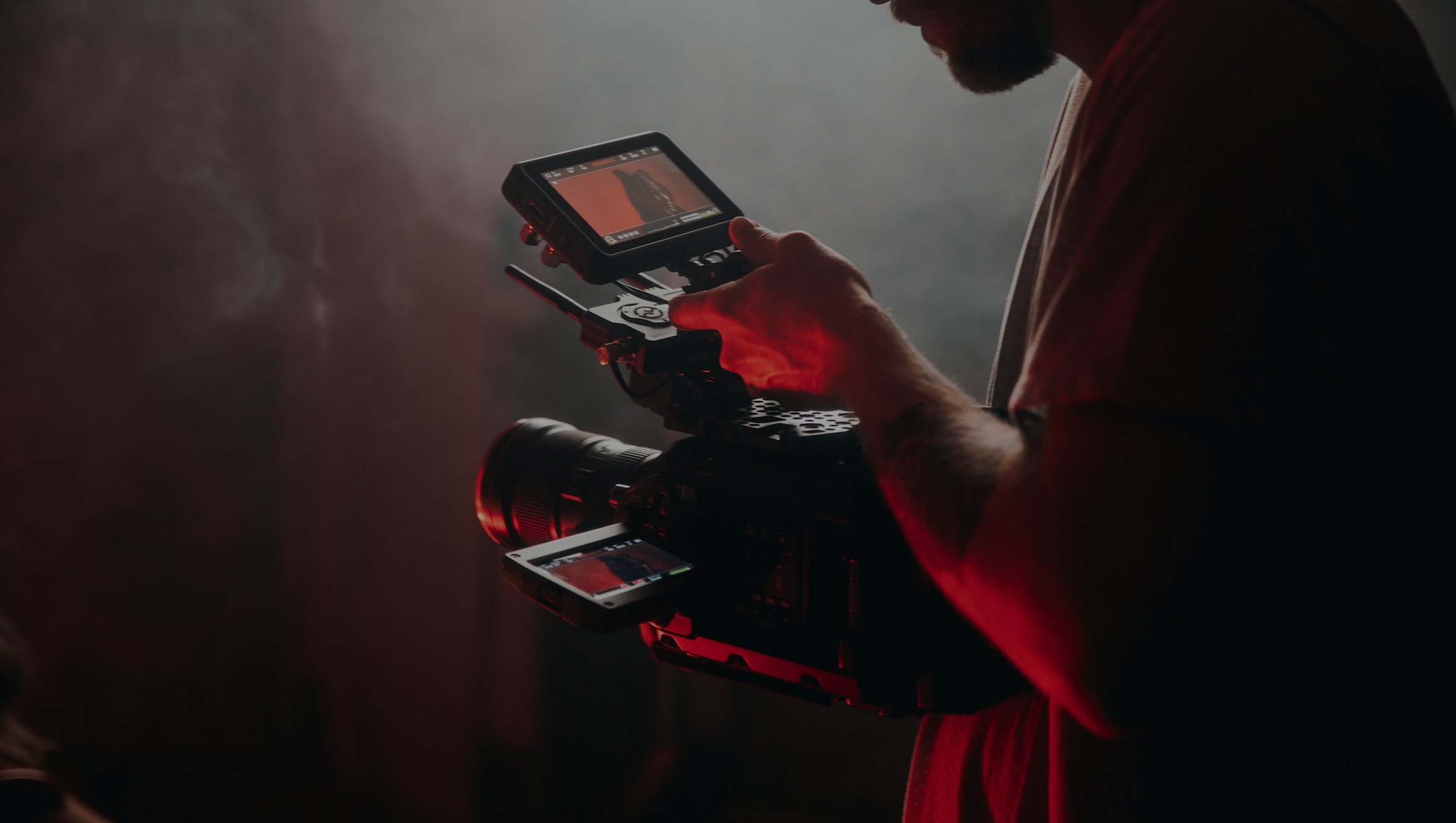
Manage camera feeds, bring in remote hosts, and cut in clips with a fluid production workflow that feels like a unified studio environment.
Creators
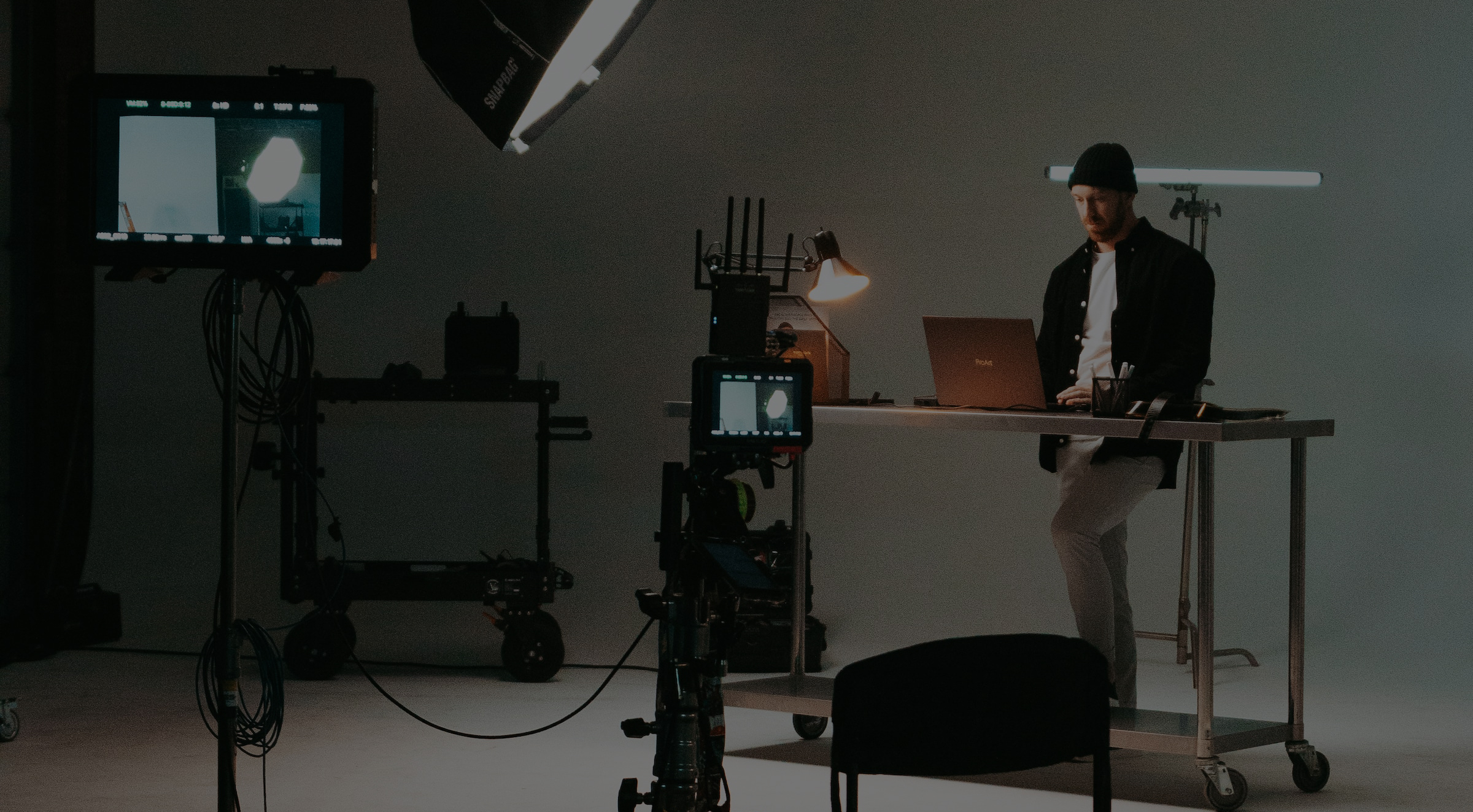
Produce professional live content with multiple inputs such as selfie view, guest speakers, desk cam, and screen capture. Easily switch or combine streams into a seamless broadcast.

Webinars
Highlight speakers, manage discussions, take audience questions, and incorporate pre-recorded segments into live sessions.

Build applications that combine live production, interactivity, and real-time engagement into a single experience.
Why Choose Red5 TrueTime Studio™?
Future-proof architecture
Designed for creators and teams who need flexible, software-based production tools.
No hardware dependency
Replace traditional studio setups with a fully web-based solution.
Real-time control
Switch, mix, and manage streams instantly during live events.
Monetization-ready
Built-in support for server-side ad and clip insertion.
Scalable architecture
Powered by Red5 infrastructure for consistent performance and global reach.
Try Red5 TrueTime Studio™ today
Option 1:
Download the source from GitHub
Get the open source code, customize the front end, and deploy in your own environment. This is the best path if you want full control and deeper product integration.
Option 2:
Deploy with Red5 Pro
Prefer a self-managed setup? Red5 Pro users can download the source and deploy TrueTime Studio™ in their own infrastructure, then extend it for their application and workflow needs.